
Google AI Studio: Rapid App Development with Gemini Models
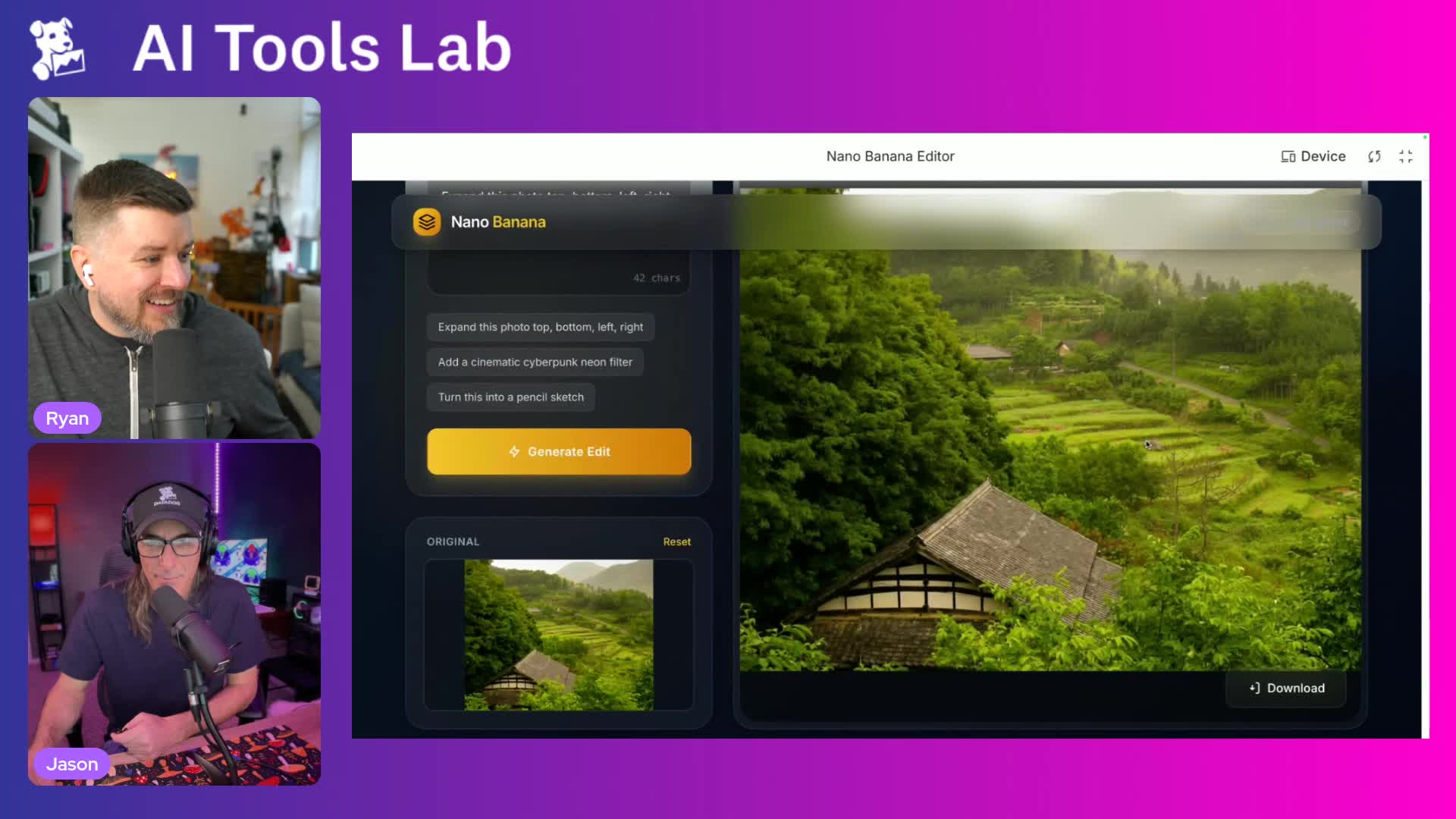
Ryan MacLean takes Jason Hand on a comprehensive tour of Google AI Studio, demonstrating how the platform has evolved from a simple chat interface into a powerful app development environment. The episode showcases multiple real-world use cases including generating an infographic from a newsletter article about AI's impact on cognitive skills, creating an image editing app powered by Imagen 3, building a typing game reminiscent of 'Typing of the Dead', and developing a location-aware restaurant finder using Google Maps integration. Ryan highlights key features like automatic app generation without requiring API keys (using Gemini Flash 2.5 by default), the ability to upgrade to Gemini 3 Pro with your own credentials, and seamless integration with Google's ecosystem including Drive and GitHub. The demo covers multimodal capabilities including text-to-speech narration, video animation with Veo 3, and improved text rendering in generated images. Ryan emphasizes how AI Studio differentiates itself from competitors through its deep integration with Google APIs and authentication systems, making it particularly valuable for developers already working within the Google ecosystem. The episode concludes with reflections on how these tools democratize app creation, making sophisticated functionality accessible to small businesses and individuals who previously couldn't afford custom development.
Jump To
Key Takeaways
- Google AI Studio has evolved from a chat interface to a comprehensive app development platform focused on creating functional applications rather than just processing individual requests
- Apps created in AI Studio automatically use Gemini Flash 2.5 without requiring API keys, but can be upgraded to Gemini 3 Pro by providing your own API key
- The platform supports multimodal capabilities including text-to-speech, speech-to-text, image generation with Imagen 3, and video animation with Veo 3, all accessible through a unified interface
- AI Studio provides quick-start templates and an 'I'm Feeling Lucky' button that generates app ideas automatically, reducing blank page syndrome for developers
- The platform offers seamless integration with Google's ecosystem including automatic saving to Google Drive, GitHub deployment options, and native Google Maps API integration
- Generated image text quality has significantly improved with recent models, with minimal spelling errors in generated infographics and visual content
- Apps are built using TypeScript with React or Angular frameworks, and developers can view and edit the generated code directly within the interface
- Video generation with Veo produces smooth animated content but still struggles with detailed facial features, particularly in background subjects